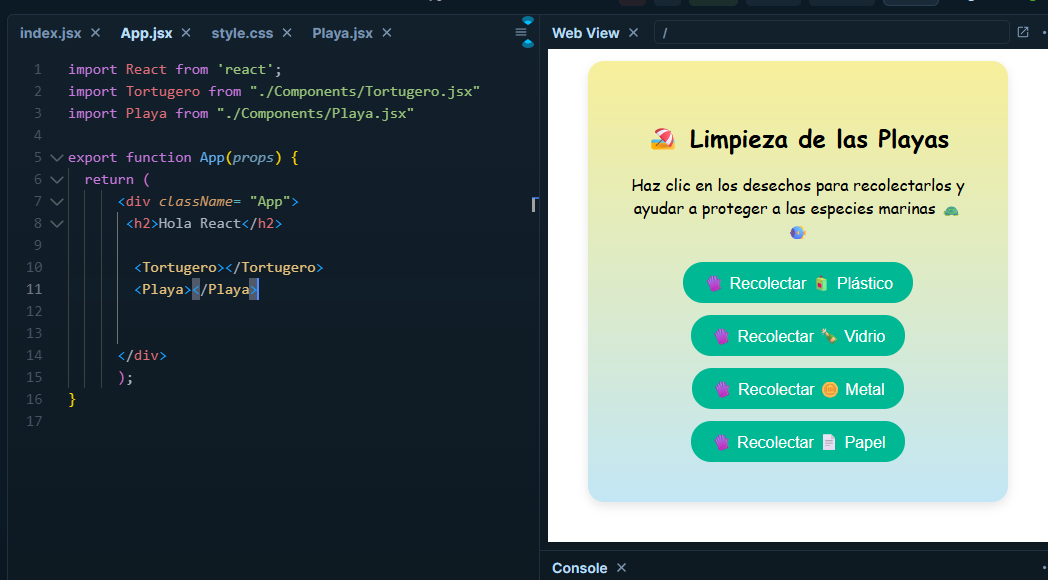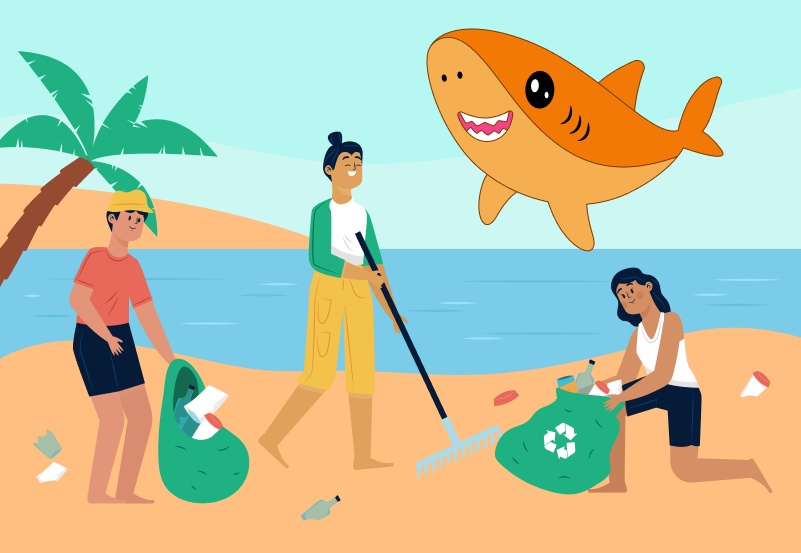
Great! You managed to save the turtles. Now to clean the beaches of Costa Rica we will learn how to use constants with arrays, for loops, and let variables.
Write this file "Playa.jsx":
Important to use:
1. import { useState } from "react";
2. export default function Playa() { }
This is how arrays normally look in React.
const [Dinero, setDinero] = useState([
    "Colones",
    "Dolares",
    "Euros",
    "Pesos"
  ]);
Create a constant called desechos and setDesechos for this activity. Inside that const, put items that are trash on the beaches.
We need to create a function to be able to clean the beach of the waste in the array.
const limpiar = (d) => setDesechos(desechos.filter((x) => x !== d));
This function removes a piece of waste from the list when you click on it. Let’s see how it works:
What does this function do?
const limpiar = (d) => setDesechos(desechos.filter((x) => x !== d));
When you click it, it removes what you have in the array.
The filter checks one by one, creates a new array, then saves the list without that piece of waste.
Example: if you remove plastic, you are left with glass, metal, and paper.
Then we need to create a variable called "let". Unlike const, let can be modified.
We name it "botones = [];"
let botones = [];

  for (let i = 0; i < desechos.length; i++) {
    botones.push(
      <button key={i} onClick={() => limpiar(desechos[i])}>
        Recolectar {desechos[i]}
      </button>
    );
  }
This saves us from writing 4 buttons by hand.
The loop does this:
1. Starts at the first piece of waste.
2. Creates a button for that piece of waste.
3. Moves to the next one.
4. Repeats until finished.
The button has the onClick that is used to clean
If the list changes, React redraws only the remaining buttons.
Limpieza de las Playas
Haz clic en los desechos para recolectarlos y ayudar a proteger a las especies marinas
  <div className="botones">{botones}</div>

  {desechos.length === 0 && (
    <p className="mensaje-final">Playa limpia!</p>
  )}
</div>
);
**DON'T FORGET TO IMPORT IT IN APP.JSX**
``` jsx
import Playa from "./Components/Playa.jsx"